One Voice Assistant Is a Convenience. Three Is a Traffic Jam.
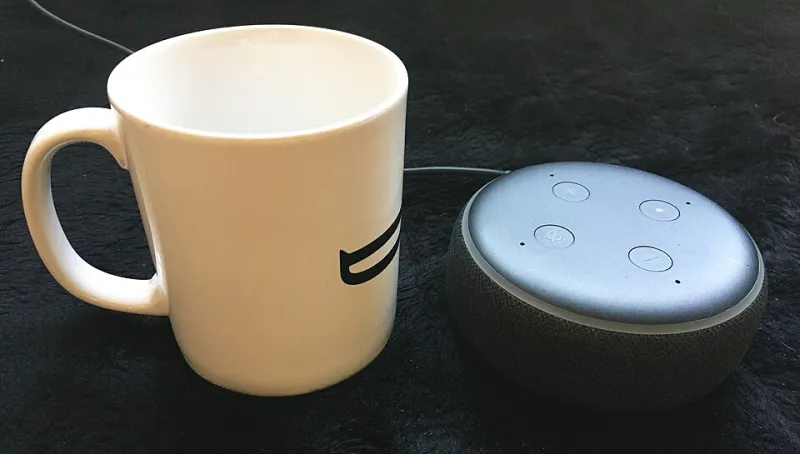
Photo: Pittigrilli, CC BY-SA 4.0, via Wikimedia Commons
It starts innocently enough. You got an Echo Dot as a gift. Then you bought a Google Nest Hub because the screen looked useful. Then Apple released HomePod mini and you figured, hey, it's only $99. Now you've got three competing AI ecosystems all listening in your kitchen, and somehow your WiFi feels slower, your smart lights don't always respond, and you're paying for services you forgot you signed up for.
If this sounds familiar, you're not alone. Multi-assistant households are increasingly common in the US, and the tech industry has done a masterful job of making each new device feel like a modest, affordable addition. What they don't tell you is that these ecosystems weren't designed to coexist — they were designed to compete. And that competition happens on your network, in your home, every single day.
What "Always Listening" Actually Costs Your Network
Let's start with the bandwidth question, because it's more nuanced than most people expect.
Individually, a single smart speaker uses very little bandwidth in standby mode — typically just a few kilobytes per second for the keep-alive connection to its cloud service. That's not going to tank your Netflix stream. But here's what people miss: it's not just standby traffic.
Every false wake word triggers a full audio upload to the cloud. Amazon's own data suggests Alexa activates unintentionally multiple times per day in a typical household. Google Assistant is similar. Siri on HomePod is generally considered the most conservative about false triggers, but it's not immune. Multiply those accidental activations across three platforms, across multiple devices per platform, and you're generating meaningful background traffic — especially on slower or congested connections.
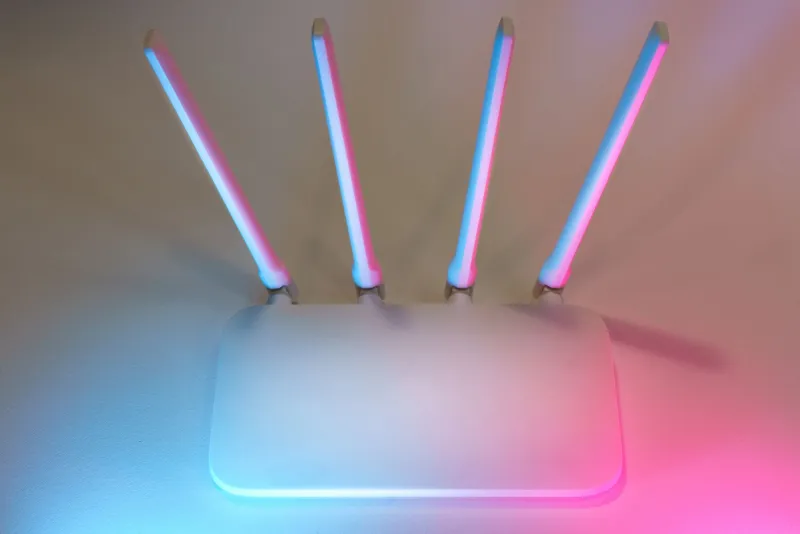
More importantly, smart speakers are persistent network clients. Each one maintains an open connection to its respective cloud infrastructure 24/7. On a network with a lot of IoT devices already, these persistent connections contribute to what networking engineers call "connection table bloat" — your router is tracking more simultaneous connections than it was designed to handle efficiently. Budget routers, in particular, start to degrade noticeably when the connection count climbs.
The Subscription Math Nobody Does
Voice assistants are technically free. But the ecosystems built around them absolutely are not.
Amazon wants you on Prime ($139/year) and Amazon Music Unlimited ($10.99/month for individuals, more for families). Google wants you on YouTube Premium ($13.99/month) and Google One storage. Apple wants you on Apple Music ($10.99/month), iCloud+, and Apple TV+. Each of these services is a reasonable value on its own. But if you're maintaining all three ecosystems to justify all three assistants, the math gets ugly fast.
A household running full subscriptions across all three ecosystems could easily spend $600–$900 per year on streaming and cloud services — much of it overlapping in function. You're paying for three music services. Three cloud storage tiers. Three sets of premium features you probably don't fully use.
They Don't Play Well Together — And That's by Design
Here's the part that should make you mildly annoyed: these platforms are deliberately incompatible in ways that affect your smart home performance.
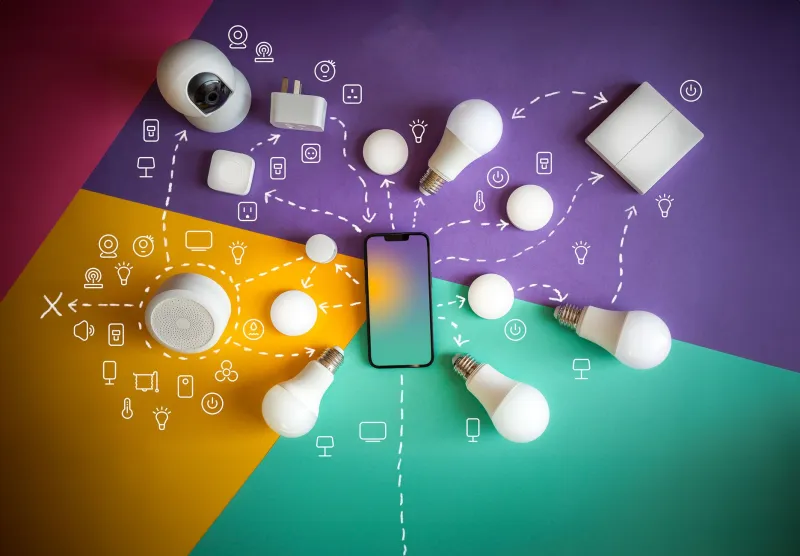
Say you've got Philips Hue bulbs. Alexa, Google, and Siri can all control them — but they each use different command structures, different response times, and different fallback behaviors when the cloud is slow. If you've got all three set up to control the same devices, you can create genuinely weird conflicts. Asking Google to turn the lights off while Alexa is processing a previous command can result in the lights toggling twice, or not responding at all.
Matter, the newer smart home standard, was supposed to fix cross-platform compatibility. And it does help — but it doesn't eliminate the latency differences between ecosystems or the occasional command collision when multiple assistants are active in the same space.
Beyond device conflicts, there's the acoustic problem. Multiple always-on speakers in a room create wake-word confusion. Saying "Hey Google" in a kitchen with both an Echo and a Nest Hub nearby has a real chance of triggering both — and then having them talk over each other. This isn't a hypothetical; it's a documented frustration that shows up constantly in smart home forums.
Privacy Trade-Offs Are Multiplied, Not Averaged
Each voice assistant ecosystem has its own data collection practices, its own retention policies, and its own history of accidental recordings. Amazon, Google, and Apple have all faced scrutiny from regulators and privacy researchers over how they handle voice data.
Running all three doesn't give you "balanced" privacy. It multiplies your exposure. Three companies are storing your voice clips, your routines, your device usage patterns, and your household behavior data. Three sets of engineers (and contractors) potentially reviewing flagged audio. Three privacy policies to read and trust.
If privacy is a concern for your household — and it should be, at least a little — consolidating to one ecosystem is the most effective single step you can take.
So Which One Should You Actually Keep?
This is where we'll give you a framework rather than a verdict, because the right answer genuinely depends on your household.
Choose Amazon Alexa if: You're already a Prime household, you have a lot of third-party smart home devices (Alexa has the broadest device compatibility of the three), and you want the most flexible routine-building options.
Choose Google Assistant if: You're deep in the Android ecosystem, use Google Calendar and Gmail heavily, or want the best general-knowledge responses and natural language understanding. Google's context retention mid-conversation is still noticeably better than Alexa's.
Choose Apple Siri / HomePod if: You're an all-Apple household (iPhone, Mac, Apple TV), care most about local processing and privacy, and primarily want a music speaker that integrates tightly with Apple services. Siri's smart home chops have improved significantly with iOS 16 and 17, but it still lags on third-party device support.
The one thing all three options have in common: you'll be better off picking one and going deep than maintaining a fractured, expensive, bandwidth-burning three-way setup that doesn't fully satisfy any of them.
The One-Assistant Rule
Our recommendation at TotWiFi is simple: run one primary assistant ecosystem and treat the others as guests. If you have an Echo in the bedroom and a Google Nest in the kitchen, that's fine — just don't build automations and smart home routines across both. Pick one as your control layer and let the other sit idle as a speaker.
Your WiFi will thank you. Your router's connection table will thank you. And honestly, your sanity will thank you when you stop wondering which assistant heard you and which one is silently judging your music taste.