30 Days, Two ISPs, One Device-Choked House: What 5G Home Internet Actually Delivers

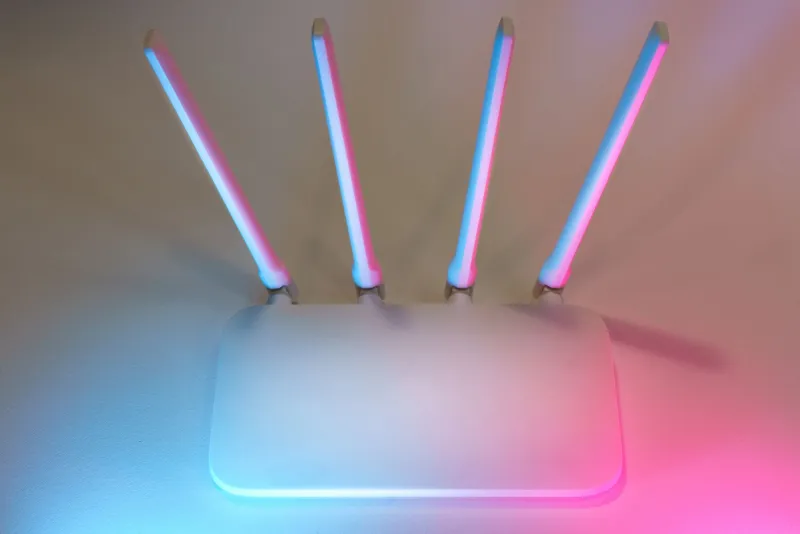
Photo: Ordelator, CC BY-SA 4.0, via Wikimedia Commons
5G home internet keeps showing up in ads with promises of no contracts, no equipment fees, and prices that undercut cable by $20 a month. Sounds great. But does it hold up in an actual house — the kind with a 4K TV in the living room, a doorbell camera streaming to the cloud, three people on video calls, and a small army of smart bulbs, plugs, and sensors quietly chattering in the background?
We spent 30 days finding out, running T-Mobile Home Internet and Verizon 5G Home Plus against a cable connection in the same device-heavy house. Here's how it shook out.
The Setup
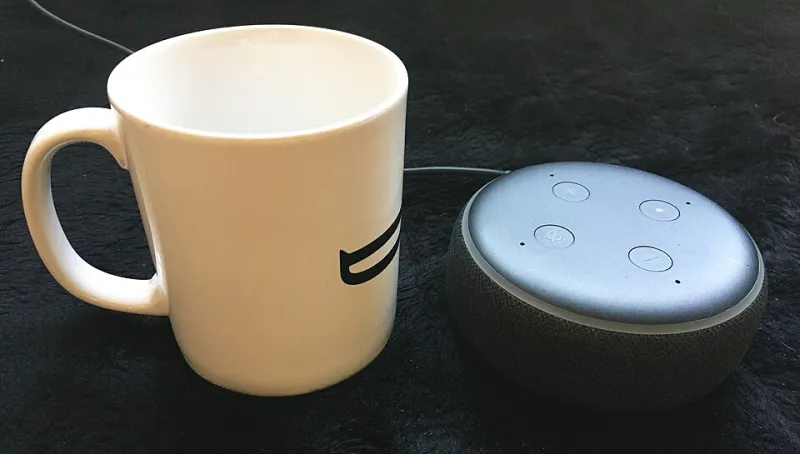
The test house: a two-story suburban place with around 23 connected devices on a normal evening — streaming sticks, a video doorbell, smart locks, a robot vacuum that phones home, laptops, phones, and a gaming console. We ran each service for roughly ten days, keeping usage patterns as normal as possible.
The cable baseline: a mid-tier plan, around 500 Mbps down. The 5G services: whatever the tower provided, which is the whole point — 5G home internet doesn't come with a speed number, it comes with "whatever the cell tower near you is doing today."
The Good Days: 5G Genuinely Surprised Us
On a quiet weeknight, both 5G services delivered more than enough. Netflix in 4K on two screens, a Zoom call running in the background, and a dozen IoT devices doing their thing? No problem. T-Mobile's gateway regularly pulled 200–300 Mbps down; Verizon's mid-band service often topped 400 Mbps when the tower wasn't congested.
For a household of one or two people who stream, browse, and run smart home gear, 5G home internet is legitimately viable. The setup experience is a genuine advantage: plug in the gateway, put it near a window, done. No technician appointment, no waiting for a cable install window that spans five hours.
The Bad Days: When the Tower Gets Crowded
Here's where things got ugly. 5G home internet shares capacity with every phone on the tower. On two separate evenings — both weekend nights — T-Mobile's throughput dropped below 50 Mbps, and latency jumped from a tidy 30ms into triple digits. Video calls got pixelated. One online gaming session turned into a slideshow.
Cable, by contrast, barely flinched during peak hours. It's not glamorous, but a coax connection with real headroom doesn't care that the whole neighborhood is home on a Sunday.
The other pattern: upload speeds. Both 5G services hovered between 10 and 30 Mbps up. Fine for calls. Less fine if you back up video to the cloud, livestream, or have a security system uploading clips constantly. Our doorbell camera's clip uploads noticeably lagged on the 5G connections.
The Smart Home Angle: IoT Devices Are Fussy
Here's something the ads don't mention: 20+ IoT devices generate constant background traffic — DNS lookups, status pings, firmware checks. On cable, invisible. On 5G, that background chatter occasionally collided with latency spikes, and a few smart devices dropped offline and reconnected. Nothing catastrophic, but a smart lock that takes an extra ten seconds to respond gets noticed fast.
If you're running a heavy smart home, put your IoT gear on its own SSID or VLAN regardless of which ISP you pick. It smoothed out most of the flakiness on every connection we tested.
The Verdict: Who Should Switch, Who Should Stay
Switch to 5G home internet if: you're a renter (no installation, no landlord permission), you move frequently, cable isn't available at your address, or you're a light-to-moderate household that wants to save $20–40 a month. The no-contract flexibility is real and valuable.
Stay on cable if: you game online competitively, work from home on video calls all day, upload lots of footage, or have a large smart home with cloud-connected cameras. The consistency difference is not subtle — it's the difference between "usually fine" and "always fine."
And if you're somewhere in the middle? Both T-Mobile and Verizon offer trial periods. Test it during a Sunday evening, not a Tuesday morning. That's when you'll find out what you're really signing up for.