Uncoupling Your Connected Home: A Practical Guide to Dividing Smart Devices After a Breakup
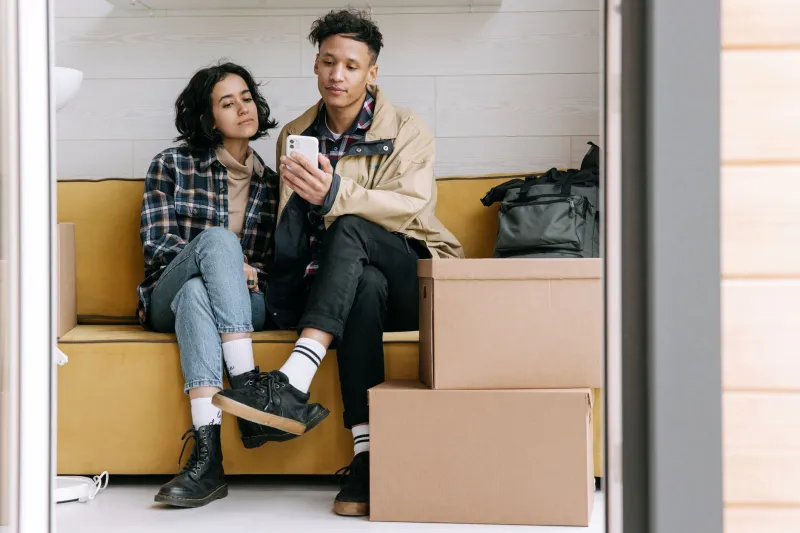
Divorce attorneys have gotten pretty good at splitting up furniture, bank accounts, and even streaming subscriptions. But your Nest thermostat? Your Ring doorbell that's still linked to your ex's phone? The smart lock that your former partner can still unlock from three states away? That's newer territory — and most people don't even think about it until something goes wrong.
The modern connected home is deeply personal, deeply intertwined, and surprisingly hard to divide. If you're navigating a separation or divorce and you've built up a smart home ecosystem together, this guide is for you. We'll walk through the technical stuff, the security stuff, and yes, a little bit of the emotional stuff too — because all three matter here.
Why Smart Homes Complicate Breakups More Than You'd Think
Traditional household items are easy to split: you take the couch, they take the dining table. Done. Smart home devices don't work that way. Most of them are tied to accounts, apps, and cloud services that were set up by one person — but shared with another. And that sharing doesn't automatically end when the relationship does.
Think about what's actually connected in a typical American household: smart locks, video doorbells, security cameras, thermostats, smart speakers, lighting systems, garage door openers, and baby monitors. Every single one of those can be a point of access, surveillance, or conflict if the account ownership isn't properly sorted out.
This isn't about being paranoid. It's about being practical. Leaving a former partner with app access to your front door lock isn't just awkward — it's a real safety issue.
Step One: Change Your WiFi Password Immediately
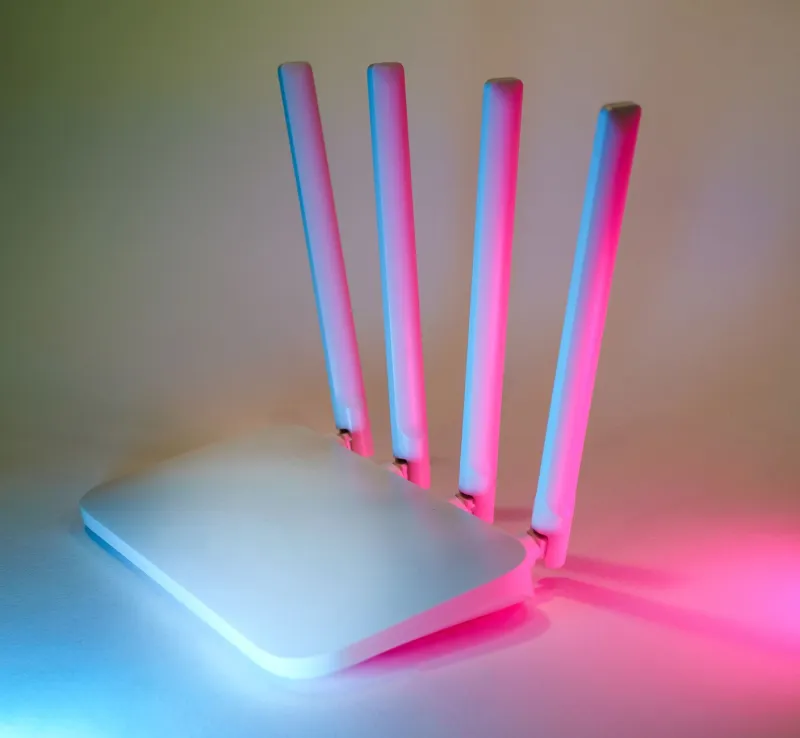
This is the first thing you should do, full stop. Your WiFi password is essentially the master key to your home network. If your ex knows it, they could — in theory — connect to your network if they're within range, or they might have shared it with family members who still visit.
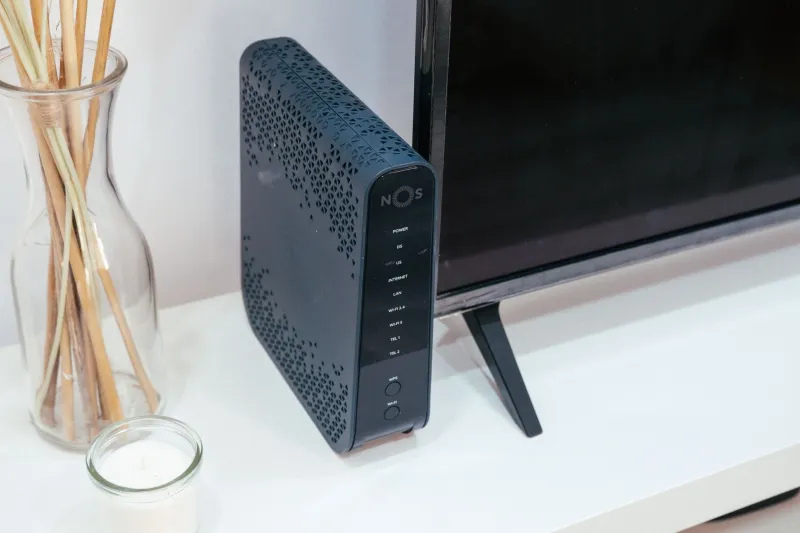
Go into your router's admin settings and update the password. If you're not sure how to do that, check your router's brand website or the manual that came with it — most have a simple app-based interface now. Once you change it, every device in your home will need to be reconnected, which is annoying but worth doing.
While you're in there, check the list of connected devices. Most modern routers and mesh systems (like Eero, Google Nest WiFi, or Orbi) show you everything that's on your network. If you see devices you don't recognize or ones that belong to your ex, you can block them.
Step Two: Audit Every Smart Device in the House
Make a list. Go room by room and write down every connected device you can find. Then for each one, ask yourself:
- Who created the account it's tied to?
- Who else has been added as a user or admin?
- Is it linked to a shared email address or a personal one?
- Does it have a camera or microphone?
That last question matters a lot. Smart speakers, video doorbells, indoor security cameras, and baby monitors can all capture audio or video. If your ex still has app access to any of those, that's a privacy concern you need to address right now — not next week.
Step Three: Transfer or Reclaim Device Ownership
Here's where it gets a little technical, but don't worry — it's manageable. Most smart home platforms have a way to remove shared users or transfer device ownership. Here's a quick rundown of common ones:
- Google Home / Nest: Go into the app, navigate to your home settings, and remove any members who shouldn't have access. If the account was originally created by your ex, you may need to do a factory reset on the device and set it up fresh under your own Google account.
- Amazon Alexa / Ring: Remove shared users through the Alexa app or Ring app settings. For Ring doorbells and cameras specifically, go to Device Settings > Shared Users and revoke access.
- Apple HomeKit: If your home was set up in the Apple Home app, the home owner can remove other members through the Home Settings menu.
- SmartThings / Samsung: Go to the SmartThings app, select your location, and manage members from there.
- Smart locks (August, Schlage, Yale, etc.): These are critical. Go into the lock's app and delete any access codes or user profiles associated with your ex. Some locks also have physical keypads — change those codes too.
If a device is tied to an account you can't access, a factory reset is usually your best option. Yes, you'll have to set it up again from scratch, but that's better than leaving a backdoor open.
Step Four: Think About Who Physically Keeps What
Not every device is worth fighting over, but some are worth thinking through carefully. Here's a rough framework:
Devices that should stay with the home: Smart doorbells, hardwired security cameras, smart thermostats, and anything else that's physically integrated into the house. If you're the one staying in the home, these are yours to reclaim and re-register. If you're the one leaving, trying to take these with you is going to cause problems — and in some cases could even have legal implications depending on your state.
Devices that are easy to take: Smart speakers, portable smart plugs, smart bulbs, and standalone gadgets that aren't hardwired. These can be factory reset and set up under a new account wherever they land.
Shared subscriptions: Don't forget about the recurring costs. Ring Protect, Nest Aware, ADT's smart home monitoring — these are paid services often tied to one person's credit card. Figure out who's keeping what, and cancel or transfer subscriptions accordingly.
Step Five: Secure Your Network Going Forward
Once you've done the immediate cleanup, take a moment to think about longer-term security hygiene. Change passwords on your smart home accounts — not just your WiFi. Enable two-factor authentication on everything that supports it. If you had shared smart home routines (like a "Good Morning" automation that adjusts the thermostat and unlocks the front door), review those and update them to reflect your new solo setup.
If your ex was particularly tech-savvy and had deep admin access to your home network or smart home hub, it might be worth doing a full router reset and starting fresh. It sounds extreme, but a clean slate is sometimes the cleanest solution.
The Emotional Layer Nobody Wants to Talk About
Here's the honest part: going through your smart home during a breakup is genuinely painful. These devices were set up together. The voice assistant might still have both your names in it. The family photo that used to rotate on the smart display. The bedtime routine you built together that still runs every night at 9 PM.
Give yourself some grace. Do the security stuff first because that's urgent. Then, when you're ready, go through the automations and routines and rebuild them for your life as it is now. Your connected home should feel like yours — and with a little time and a few settings changes, it will.
Divorce is complicated. Your WiFi doesn't have to be.