The HOA Fine Print That Governs Your Smart Home
Your Thermostat Has a Rulebook Now
A friend of ours in a Phoenix suburb got a polite letter from her HOA last spring. The issue wasn't her lawn or her trash cans. It was her video doorbell — specifically, the angle at which it faced the shared walkway. She'd owned the device for two years. The HOA had simply updated its guidelines, and nobody had told her until the violation notice arrived.
Welcome to the newest frontier of community governance: your connected home. As smart devices have gone mainstream, HOAs, condo boards, and landlords have started writing rules about them — and a lot of homeowners are getting blindsided.
What's Actually Being Regulated
The rules vary wildly, but a few patterns keep showing up across managed communities:
Camera placement and privacy. This is the big one. Many HOAs now restrict cameras that capture common areas, neighbor property, or shared walkways. Condo buildings in particular have gotten aggressive about hallway-facing doorbell cameras, citing privacy complaints between units.
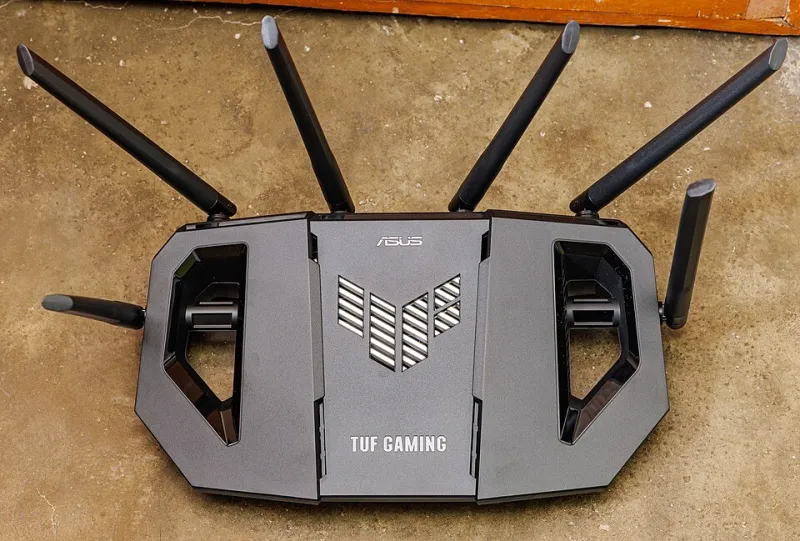
Antenna and exterior equipment rules. That outdoor WiFi antenna or satellite-style mesh node you mounted on the eaves? If it's visible from the street, some associations want it gone — or at least painted to match your trim.
Shared-network mandates in condos. Some newer buildings require residents to use a building-provided network instead of individual routers, arguing it reduces interference and simplifies building-wide security. The catch: you're often paying a monthly fee for a network you don't control, and your smart devices are now visible to a third party.
Landlord restrictions. Renters face their own version of this. Many leases prohibit modifying electrical systems (sorry, smart switches), installing exterior cameras, or adding mesh nodes in shared hallways.
Know Your Rights Before You Comply
Here's the part most homeowners miss: federal law gives you some leverage. The FCC's OTARD rules protect your right to install certain antennas and receiving equipment on property you own or exclusively control, and HOAs can't blanket-ban them — though they can impose reasonable placement restrictions.
State law matters too. Several states, including Florida, Texas, and Arizona, have statutes limiting how much HOAs can regulate security devices, including doorbell cameras. If you live in an HOA community, it's worth ten minutes of Googling your state's specific protections before you accept a violation notice as final.
A Practical Checklist Before You Install
- Read the CC&Rs — all of them. The smart home rules are usually buried in amendments and addenda, not the main document.
- Ask for the policy in writing. Verbal assurances from a board member won't protect you when leadership changes.
- Favor interior placements. Cameras and sensors inside your unit or on your private entryway face far fewer restrictions than anything exterior.
- For renters: smart plugs, battery cameras, and stick-on sensors give you the connected experience without permanent modifications. Get written permission for anything mounted or wired.
- In shared-network buildings: ask who administers the network, what data is logged, and whether you can run your own devices on a VLAN or separate segment.
When to Push Back
Overreach happens. If your HOA demands you remove a doorbell camera in a state that protects it, or fines you for an antenna OTARD covers, respond in writing, cite the relevant law, and request the board's legal basis. Boards back down more often than you'd think when someone actually knows the rules.
The smart home is your home. A little homework — and a calm letter — goes a long way toward keeping it that way.