You Sold the House — Did You Accidentally Sell Your Thermostat Account Too?
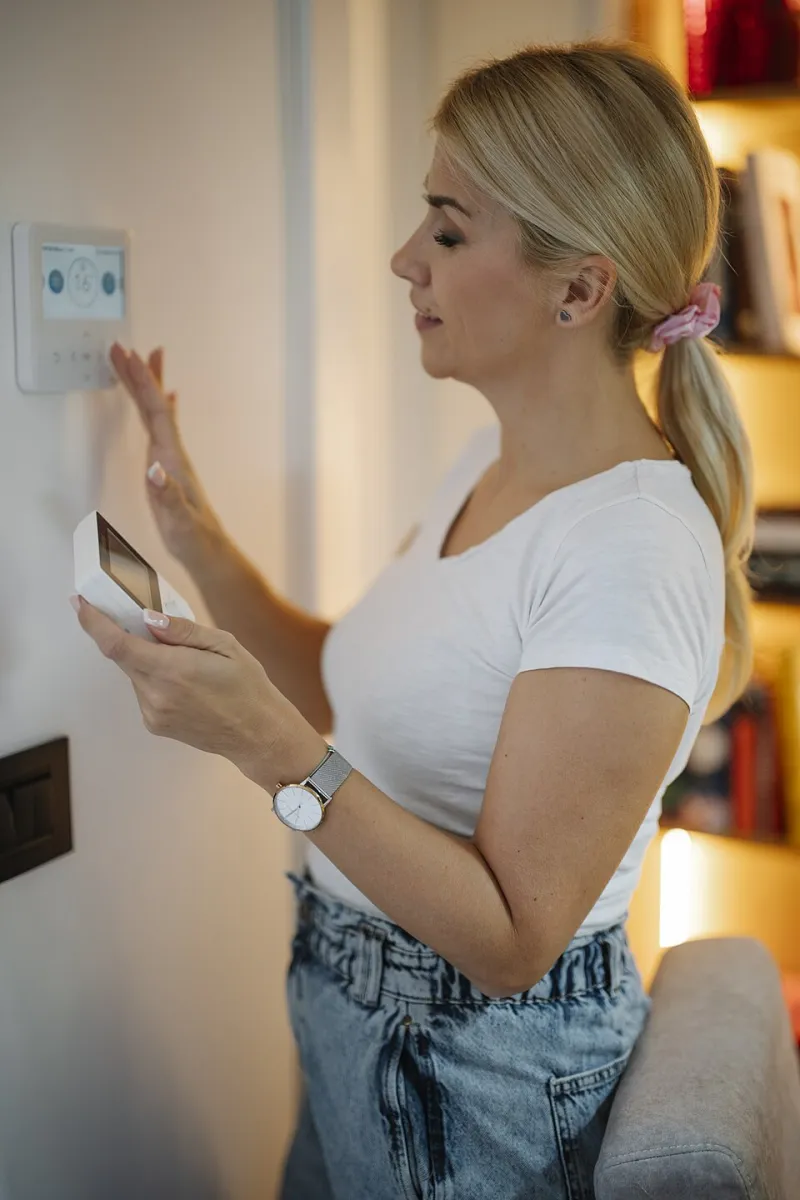
Photo: Shixart1985, CC BY 2.0, via Wikimedia Commons
Closing day has a way of making everything feel finished. You sign the stack of papers, drop the garage remote on the counter, and drive away assuming the hard part is over. But if you spent the last five years wiring that house into a connected home, you may have just handed a stranger the keys to your cloud account along with the front door.
The smart thermostat still humming on the wall, the video doorbell still mounted by the porch, the garage controller still paired to the opener — none of those things automatically change ownership because a deed got recorded. They change ownership when someone deliberately transfers or deletes the account behind them.
The Stuff That Does Not Fit in a Moving Box
Most people make a list of the furniture and appliances they are leaving behind. Almost nobody makes a list of the accounts attached to them.
Here is the uncomfortable part: almost every smart device in your house is really two things. There is the physical hardware screwed to a wall, and there is the cloud identity tied to your email address that controls it. The hardware transfers at closing. The cloud identity does not, unless you make it.
That gap is where trouble lives. A buyer moves in, taps the thermostat, and finds it locked to an account they cannot access. Or worse — they do not notice, and you still have remote control of a device in a house you no longer own.
Why Leaving It Behind Is a Liability, Not a Gift
On paper, leaving the smart locks and the doorbell sounds generous. In practice, it creates a chain of unresolved questions that nobody wants to answer six months later.
Who is responsible if the thermostat firmware needs an update and the thing starts short-cycling the heat pump? Who owns the camera footage — and who is legally permitted to view it? If a delivery gets stolen off the porch, whose doorbell recorded it?
Real estate disclosure rules vary by state, and a handheld smart plug is not going to be covered the way a roof leak is. But the practical exposure is real enough. A device left in place with your credentials still attached is a device you can still see, still control, and still be blamed for. In a house you no longer occupy, that is a bad combination.
The clean answer is almost always the same: either you remove it or you properly hand it off. There is no comfortable middle ground called I left it plugged in, figured they would sort it out.
Ownership Lives in the Cloud, Not on the Wall
Each ecosystem handles transfers a little differently, and that matters when you sit down to do this.
- Matter-based devices are the friendliest of the bunch. Because the device itself holds the commissioning information, a factory reset usually lets a new owner add it to their own hub without any involvement from you.
- WiFi-native gadgets — bulbs, plugs, cameras — generally require you to remove them in the manufacturer app before resetting. If you reset first and remove later, the account can be left in a broken state where the device shows as offline forever.
- Hub-tethered devices such as Zigbee sensors are usually the easiest, because wiping the hub wipes the pairing.
- Doorbell cameras and locks deserve their own line item. These often have shared user lists, and every invited family member has to be removed individually.
One detail people miss constantly: deleting the app from your phone does not remove the device from your account. It just removes your convenient view of it.
A Decommission Order That Actually Works
The sequence matters more than the checklist itself. Work in this order and you will avoid the half-reset limbo state that support lines hate.
- Inventory everything. Walk the house room by room and list every connected device, the app it lives in, and the email address on that account. Include the boring stuff — the water leak sensor under the sink, the smart plug behind the couch.
- Decide: stays or goes. Anything with a camera, a microphone, or a lock should default to going with you unless the buyer specifically asked for it in writing.
- Remove devices from the account first. In the app, remove or unpair each device. Then factory reset the hardware.
- Change the WiFi name and password. This is the single most effective step and the one most often skipped. If anything was missed, a new network name cuts it off at the knees.
- Update the router admin credentials. A hand-me-down router with admin/admin still active is a gift to the neighborhood.
- Wipe the hub or bridge if one is staying, and remove it from your account entirely.
- Delete the manufacturer accounts you no longer need. Not just the app — the account.
Leave a Paper Trail, Not a Mystery
Do the buyer a genuine favor and put the handover in writing. A single printed page taped inside a kitchen drawer goes a long way.
It should say which devices stay, who makes each one, whether it still works, and what app the new owner needs. Include the model numbers. Note anything that requires a subscription, because the last thing a new homeowner wants is a camera that quietly stops recording in month two. If the device is on a paid plan, cancel it or transfer it, and say which you did.
If you are leaving something because it is genuinely bolted to the structure — a wired doorbell, an in-wall smart switch — say so explicitly in the listing and in the closing documents. Ambiguity is what turns a nice gesture into a phone call from a lawyer.
The Devices That Should Just Come With You
Some gadgets are more trouble to hand over than they are worth. Video doorbells, indoor cameras, smart locks, and anything with a microphone fall into that bucket. The transfer is fiddly, the privacy conversation is unpleasant, and the buyer may not even want your ecosystem.
Unplug them, reset them, box them up. Your new place probably has a porch that could use a doorbell anyway.
The short version: a connected home does not transfer itself. Treat the accounts as seriously as you treat the deed, and both you and the buyer get to start fresh.